

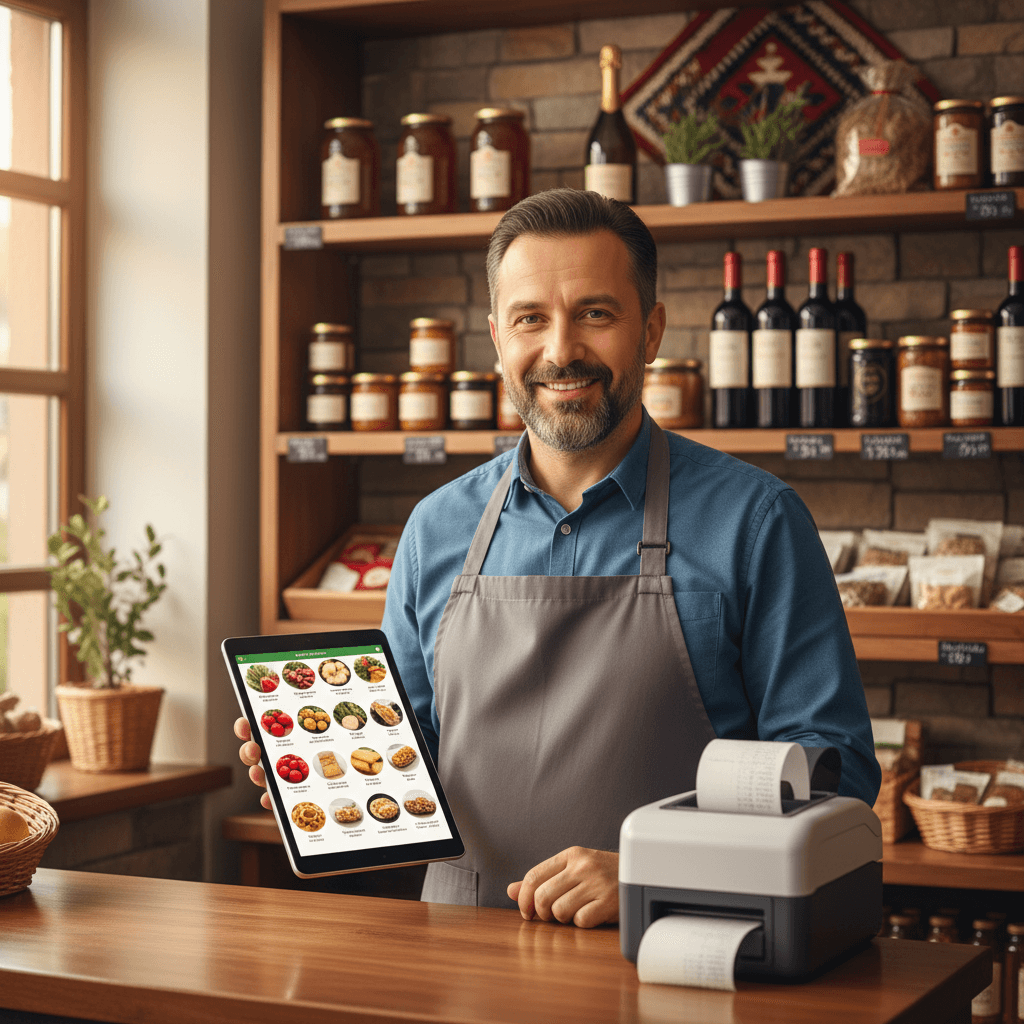
POS that books, fiscalizes and deducts stock — automatically
Open Chrome. Scan. Charge. Invoice, inventory, accounting and fiscal receipt — one click. Free.
Start freeDoes this sound familiar?
Every small business in Macedonia struggles with the same problems
Desktop POS costs €300 + technician
You pay €300 for a desktop program, plus €50 for installation. And it only runs on Windows.
Tied to one computer
If your computer breaks, you lose everything. No cloud, no backup, no access from another device.
Manual accounting entry
Your accountant re-types Z-reports by hand. Every day, every line item. In 2026.
Inventory in Excel
You sell an item at the register but inventory doesn’t update. You discover you’re out of stock when the customer is standing in front of you.
Fiscal printer — nightmare
COM port, drivers, Windows-only DLL. Every computer change = technician call.
e-Invoice is coming
From October 2026, e-Invoice is mandatory. Your current POS isn’t ready. Facturino is.
Facturino POS: one click = five actions
The cashier taps “Charge” — the system automatically:
Creates invoice
With line items, VAT and invoice number
Deducts stock
Automatically from the selected warehouse
Posts to IFRS
Revenue, VAT and payment — automatically
Accepts payment
Cash or card, with change calculation
Prints fiscal receipt
WebSerial — directly from Chrome
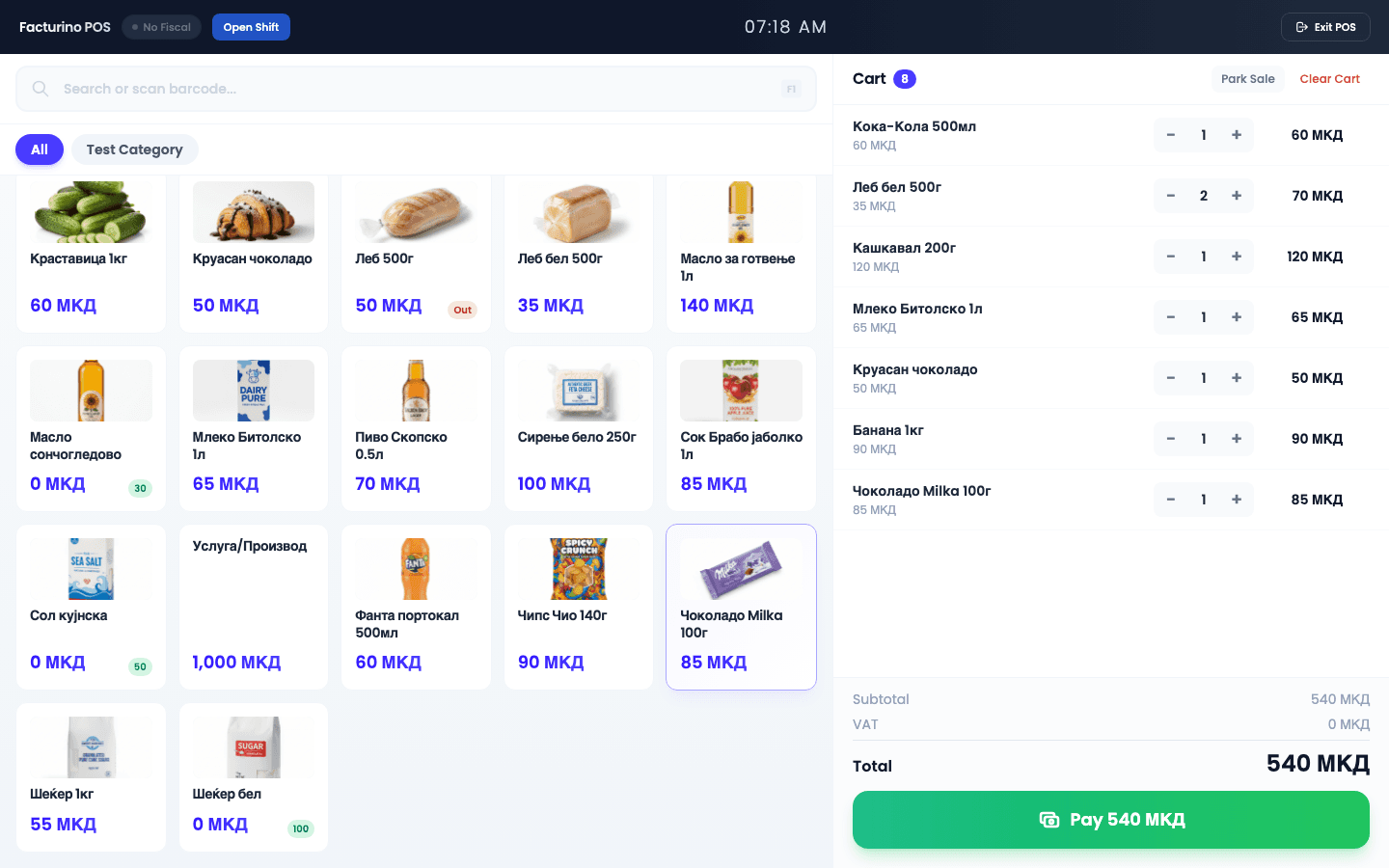
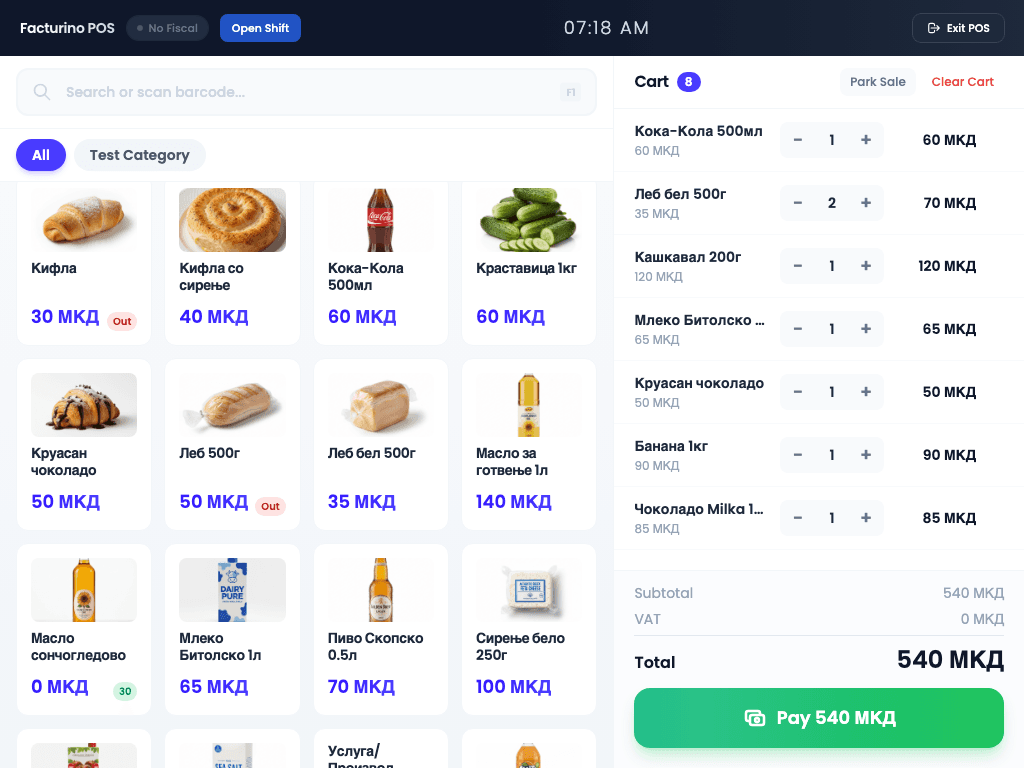
Works on any device
Open Chrome on a computer, tablet or phone. No installation, no Windows. Works even on a 5,000 MKD Android tablet.
Full-screen interface
Touch-optimized for 7 to 27 inch screens
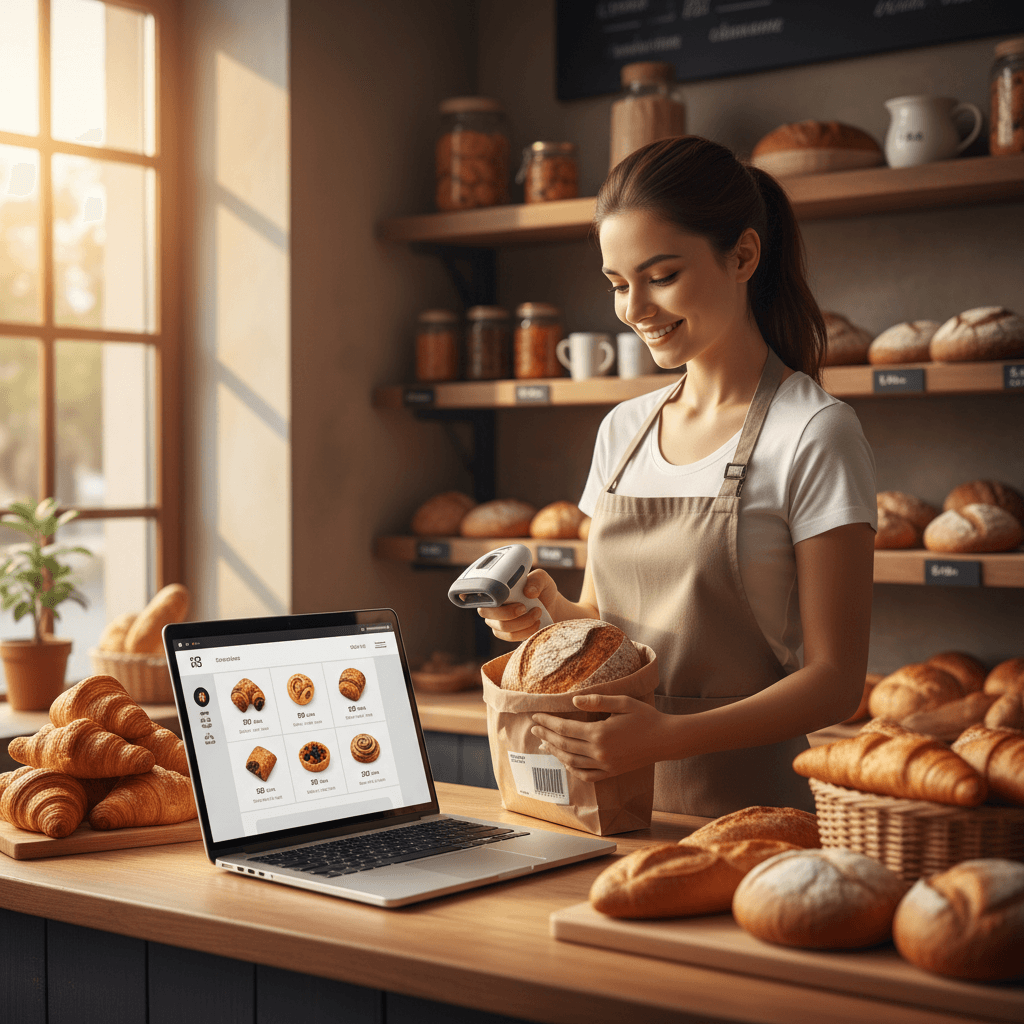
Barcode scanner
USB or Bluetooth scanner — plug & play
Works offline
PWA — keep selling even without internet
Keyboard shortcuts
F1=search, F2=charge, F3=clear, Esc=cancel
No manual re-entry
Every sale auto-posts: revenue, VAT (18%/5%/10%), payment. Your accountant sees everything in real time.
IFRS auto-posting
Every invoice → journal, general ledger, trial balance
VAT automatic
18%, 5%, 10% or exempt — per item
Accountant dashboard
Your accountant gets their own access — read-only, real-time
e-Invoice ready
When UJP opens the API, you’re first in line
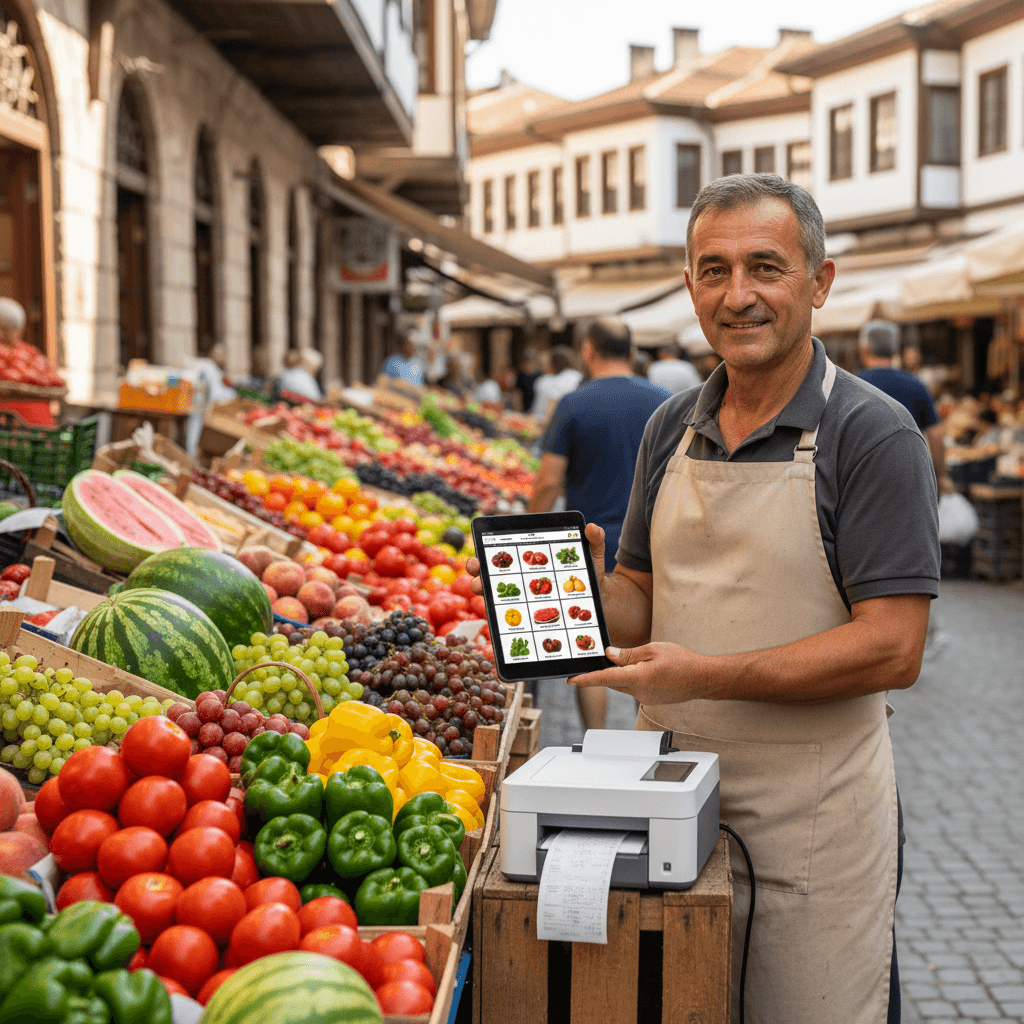
Never say “Out of stock” again
Sold an item? Stock updates instantly. Received goods? Scan the receipt. Everything is connected.
Auto deduction
Every POS sale reduces stock
Low stock warning
Get notified when an item drops below minimum
Multiple warehouses
Store, warehouse, branch — each with its own stock
WAC calculation
Automatic weighted average cost after every purchase
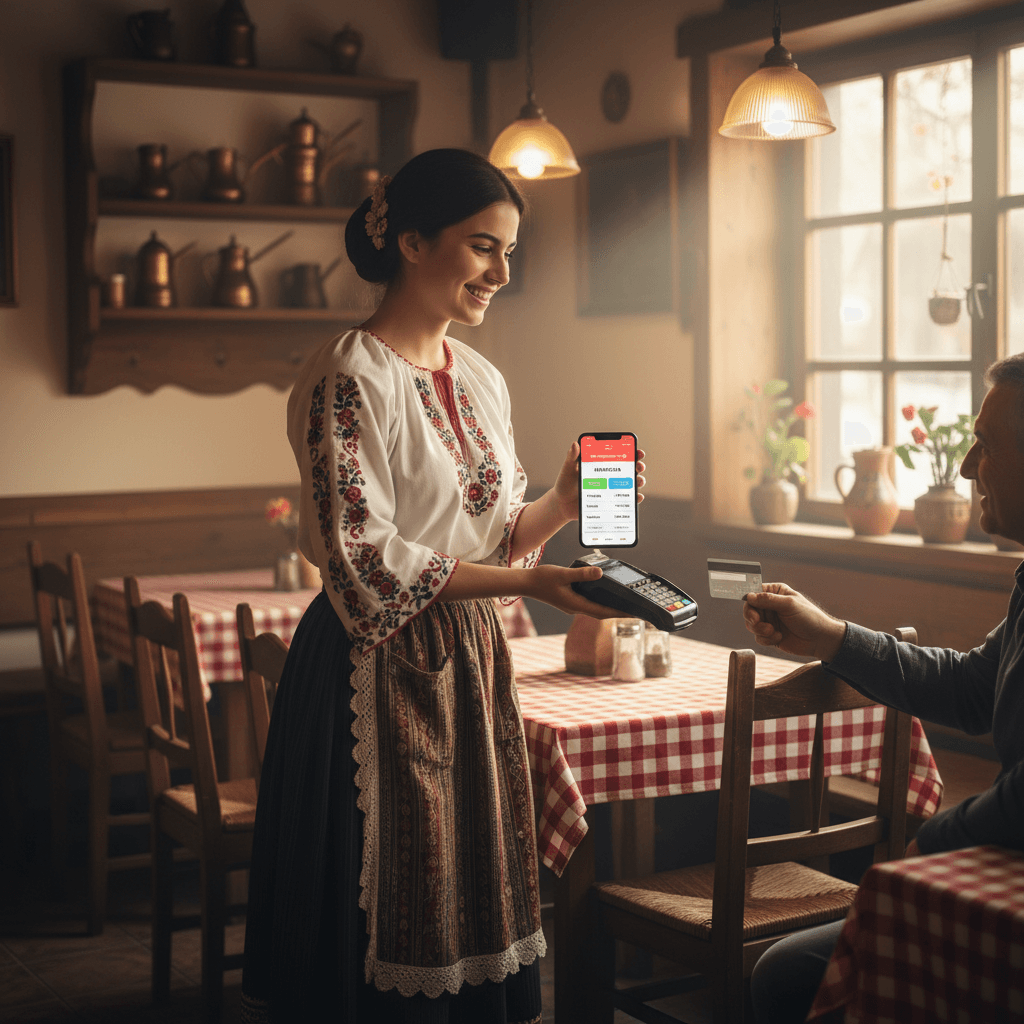
Fiscal printer — no drivers
Connect your fiscal printer via USB. Chrome recognizes it directly — no COM port, no DLL, no technician.
ISL protocol
Supports Datecs, Tremol, Daisy and other ISL printers
Plug & play
Plug USB → Chrome asks → done
VAT groups A/B/V/G
Auto-mapping: A=18%, B=5%, V=10%, G=0%
Fraud monitoring
AI tracks every fiscal event — alerts on suspicious activity

Cashier control
Open shift, close shift — with opening and closing cash. Every sale is tied to a cashier.
Open/close shift
Enter opening cash, see the difference at the end
Z-report
Total sales, returns, cash vs. card
Per cashier
Each cashier — their own stats and accountability
Park sale
Park the sale, serve another customer, come back later
Facturino POS vs. competition
| Feature | Facturino | Desktop POS (~€300) | Local POS (~€200) | ERP Systems (€500+/year) |
|---|---|---|---|---|
| Price | Free* | €300 + technician | ~€200 | €500-1,200/year |
| Works on tablet | ✅ Any device | ❌ Windows only | ❌ Windows | ❌ Windows |
| Cloud access | ✅ Anywhere | ❌ Local | ❌ Local | ✅ Optional |
| Auto accounting | ✅ IFRS | ❌ Manual | ❌ Manual | ✅ Integrated |
| Stock on sale | ✅ Automatic | ❌ Manual | ✅ Partial | ✅ Yes |
| Fiscal printer | ✅ WebSerial | ✅ COM port | ✅ COM port | ✅ COM port |
| e-Invoice ready | ✅ Yes | ❌ No | ❌ No | ❌ No |
| AI advisor | ✅ Yes | ❌ No | ❌ No | ❌ No |
| Installation | Open Chrome | Technician | Technician | Technician + server |
*Free up to 30 sales/month. Starter: €12 for 60, Standard: €39 for 500.
Frequently asked questions
Is it really free?
Which fiscal printers are supported?
Does it work offline?
Can I use it on a tablet?
What if I already have another POS?
Does my accountant have access?
How much does e-Invoice cost?
Replace your POS in 2 minutes
Open Chrome. Enter items. Scan. Charge. No installation, no technician, no waiting.
Start free